ttbet11 Deposit Guide
By the end of this guide, you will know exactly how to add funds to your ttbet11 account using Touch 'n Go, DuitNow, FPX or Bank Transfer — including minimum amounts, expected credit times, and what to do if something goes wrong.
Contents
Payment Methods at a Glance
ttbet11 supports four local payment channels suited to Malaysian players. All of them settle in Malaysian Ringgit (RM) with no conversion fees on our end.
-
Touch 'n Go eWalletMin depositRM50Credit time~5 minFeeNone
-
DuitNowMin depositRM50Credit time~5 minFeeNone
-
FPX Online BankingMin depositRM50Credit time~5 minFeeNone
-
Bank TransferMin depositRM50Credit time~5 minFeeNone
Before Your First Deposit
Three things to confirm before you start:
- You have a verified ttbet11 account. If not, register here — it takes under two minutes.
- Your payment app or bank is logged in and has sufficient balance.
- You are depositing from a payment method registered in your own name. Third-party payments are not accepted.
KYC (identity verification) is not required before your first deposit. You will need to submit your IC, Passport or Driving Licence before making your first withdrawal. Getting it done early speeds things up later.
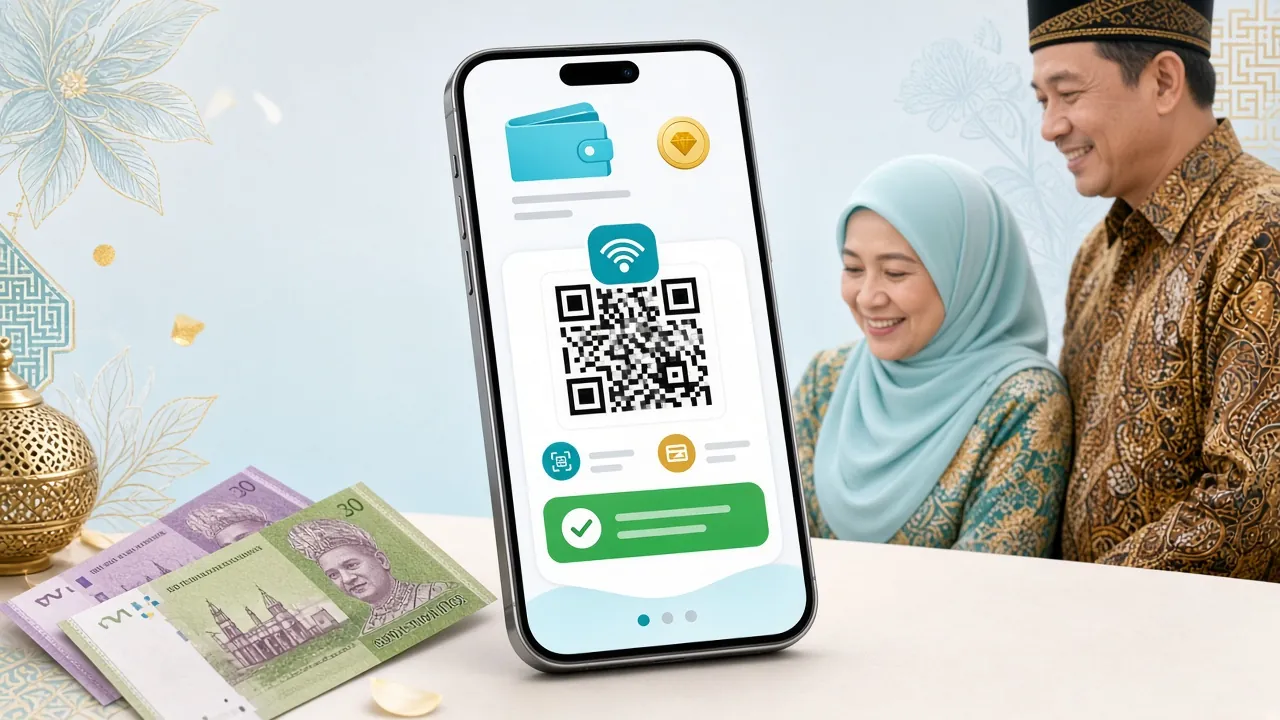
Touch 'n Go eWallet — Step-by-Step
Fastest option for most Malaysian players. Your wallet balance updates in around 5 minutes.
-
1Log in and open the Cashier
Sign in to ttbet11, then tap the wallet icon or go to Account > Deposit.
-
2Select Touch 'n Go eWallet
Choose it from the payment method list on the deposit screen.
-
3Enter the amount (minimum RM50)
Type your deposit amount. You can also select a quick-pick preset if shown.
-
4Scan the QR code or tap the redirect link
A QR code or deeplink will appear. Open your TNG eWallet app, tap Scan and confirm the payment.
-
5Wait for the confirmation screen
Your ttbet11 balance will update within 5 minutes. You will receive an in-app notification once it is credited.
DuitNow — Step-by-Step
DuitNow is an instant transfer service supported by all major Malaysian banks. Great if you prefer bank-side transfers.
-
1Go to Deposit in your ttbet11 account
Navigate to Account > Deposit and select DuitNow from the list.
-
2Enter your deposit amount
Minimum RM50. Confirm and proceed — ttbet11 will generate a DuitNow reference or QR.
-
3Open your bank's mobile app
Go to DuitNow Transfer or Scan QR. Use the reference or QR code provided.
-
4Confirm the transfer
Double-check the amount and recipient details match what ttbet11 showed. Approve with your bank's PIN or biometric.
-
5Return to ttbet11 and verify
Your balance should update within 5 minutes. Keep your bank receipt number handy in case support needs it.
FPX Online Banking — Step-by-Step
FPX connects directly to your bank's internet banking portal. Compatible with Maybank, CIMB, Public Bank, RHB, Hong Leong and more.
-
1Select FPX in the ttbet11 Cashier
Open Deposit, choose FPX Online Banking, then pick your bank from the dropdown.
-
2Enter the deposit amount
Minimum RM50. Click Continue — you will be redirected to your bank's secure login page.
-
3Log in to your bank portal
Use your internet banking credentials. Do not close the browser window during the process.
-
4Authorise the payment
Your bank will ask you to approve via TAC (SMS OTP) or secure device. Enter it to proceed.
-
5Return to ttbet11 automatically
After approval your browser redirects back to ttbet11. Funds appear in your balance within 5 minutes.
Do not press the back button or refresh during FPX. If the page freezes after bank approval, check your ttbet11 balance before retrying — the payment may have gone through already.
Bank Transfer — Step-by-Step
Direct bank transfers are suited to larger amounts or when other methods are unavailable. Processing still completes in around 5 minutes once the transfer is initiated.
-
1Request the beneficiary details
In ttbet11 Cashier, select Bank Transfer. The system will display the receiving bank name, account number and reference code — these change periodically, so always use the latest details shown.
-
2Initiate the transfer from your bank
Use your mobile banking app or internet banking. Enter the exact amount (minimum RM50) and the reference code as the payment description.
-
3Upload your transfer receipt
Some accounts require you to upload a screenshot or PDF of the bank receipt inside the ttbet11 Cashier. This speeds up manual verification.
-
4Wait for balance update
Once the transfer is matched by ttbet11, your balance updates within 5 minutes during normal hours. Contact 24/7 Live Chat if it takes longer.
Limits & Processing Times
All four channels share the same minimum deposit threshold. There is no platform-side maximum on deposits, though your bank or eWallet may impose its own daily limits.
| Method | Min Deposit | Credit Time | Fee (ttbet11) | Available Hours |
|---|---|---|---|---|
| Touch 'n Go eWallet | RM50 | ~5 min | None | 24/7 |
| DuitNow | RM50 | ~5 min | None | 24/7 |
| FPX Online Banking | RM50 | ~5 min | None | 24/7 |
| Bank Transfer | RM50 | ~5 min | None | 24/7 |
Credit times are measured from when ttbet11 receives the payment confirmation from your bank or eWallet. Public holidays and peak periods may add a few minutes. If your deposit is not credited after 15 minutes, contact Live Chat with your transaction reference.
Why Deposits Fail — and What to Do
Most failed deposits fall into one of these categories. Check the relevant fix before contacting support.
The minimum deposit at ttbet11 is RM50. Amounts lower than this are automatically declined. Top up your payment method and try again with at least RM50.
The deposit window (especially FPX and DuitNow) expires after a few minutes of inactivity. Go back to the Cashier, generate a fresh payment link, and complete the flow without pausing.
For Bank Transfer, the reference code must match exactly what ttbet11 displays. A wrong reference means your payment cannot be matched automatically — send your receipt to Live Chat immediately.
Your bank or TNG eWallet may have its own daily transfer cap. Check your bank app or TNG transaction history. You can split the deposit across two methods on the same day.
ttbet11 only accepts payments from accounts in your own name. Using a friend's or family member's account will result in an automatic decline and a possible review of your ttbet11 account.
Clicking the payment button more than once can create duplicate pending requests. Wait for the first request to expire before submitting a new one, or contact Live Chat to cancel the duplicate.
Make Your First Deposit Count
New ttbet11 players receive a 140% welcome bonus on their first deposit, up to a maximum of RM300. Here is how the numbers work.